

Contáctanos
Contáctanos
Team Sancho
Descripción
por
Grouping data helps you organize entries based on shared characteristics, making patterns easier to spot and summaries much simpler to produce. It transforms long lists into structured clusters, giving your information natural order and bringing clarity to complex tables.
This matters because seeing related items together speeds up decision-making. Instead of scanning row by row, you collapse or expand groups to understand trends, compare categories, or analyze totals without distraction.
For example, if you’re tracking sales, grouping by product category allows you to instantly compare how different departments are performing. You can open or collapse each group depending on the level of detail you need.
Another real-life example is organizing tasks by status—such as “To Do,” “In Progress,” and “Completed.” Grouping lets you understand workload distribution instantly, helping you manage priorities more efficiently.

También te podría gustar...
Celia Cruz Group Her Data?
How Would...

Rumor has it it’d be full of rhythm — learn to group and summarize your data in seconds.
by
Team Sancho
How Would...
1:42 min
Gabriel García Márquez Change Pages?
How Would...
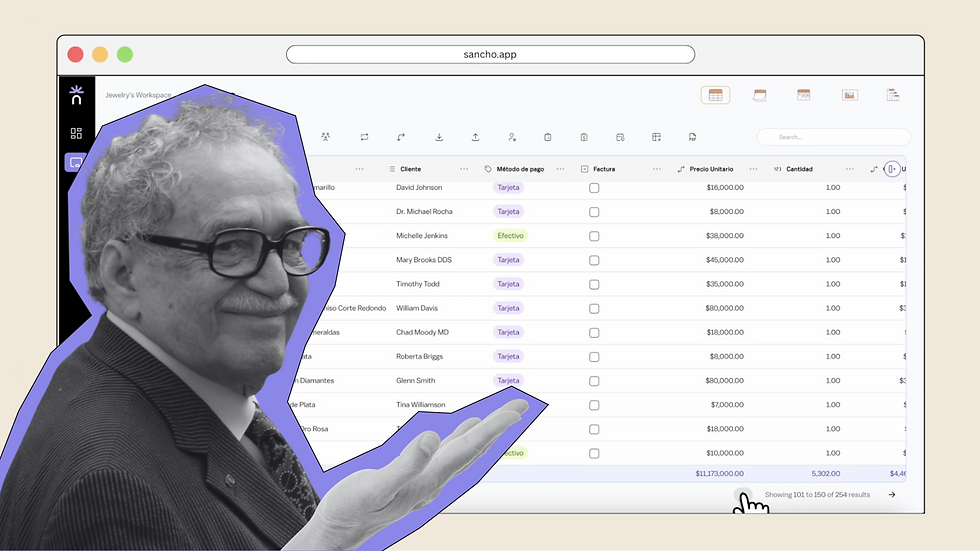
We can only imagine, but changing pages here feels just as seamless as it should.
by
Team Sancho
How Would...
0:37 min
Juan Luis Guerra Use The Search Bar?
How Would...

We don't really know, but it somehow makes finding what you need way faster and your life way easier.
by
Team Sancho
How Would...
1:07 min
3 min