

Contáctanos
Contáctanos
Team Sancho
Descripción
por
Using the search bar allows you to find any item in your table instantly by typing a keyword or phrase. It cuts through long lists and complex data sets, pulling up the exact row or detail you need without scrolling or guessing. Searching becomes effortless and quick.
This is important because as your information grows, manually locating specific entries becomes inefficient. The search bar saves time and reduces frustration, giving you instant access to whatever you’re looking for—names, dates, notes, or anything else you’ve stored.
For example, if you’re tracking clients and someone calls unexpectedly, typing their name into the search bar brings up their entire record immediately. It keeps conversations smooth and professional without delays.
Another situation is when you're reviewing inventory and need to confirm whether a specific item is in stock. A quick search reveals the row instantly, helping you make fast decisions and avoid unnecessary digging in a long list.

También te podría gustar...
Gabriel García Márquez Change Pages?
How Would...
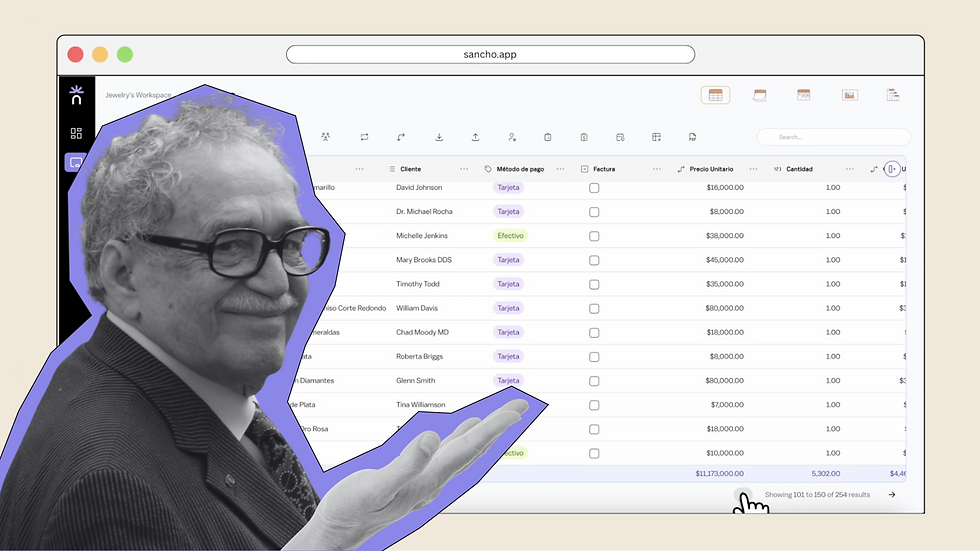
We can only imagine, but changing pages here feels just as seamless as it should.
by
Team Sancho
How Would...
0:37 min
Diego Rivera Adjust Row Heights?
How Would...

Maybe like this — resize your rows to get everything looking just right.
by
Team Sancho
How Would...
0:32 min
Frida Kahlo Sort a Table?
How Would...

We don’t really know, but you can order rows easily — no paint required.
by
Team Sancho
How Would...
0:35 min
3 min