

Contáctanos
Contáctanos
Team Sancho
Descripción
por
Editing a row lets you update a single record quickly—change a date, correct a name, or fix a number—without disrupting the rest of the table. It’s a small, precise action that keeps your data accurate and your workflows moving. The interface is built for speed so edits feel natural and low-friction.
This matters because clean data prevents mistakes, miscommunication, and rework. A single corrected row can save time for your whole team by ensuring everyone references the same accurate information. Fast edits maintain trust in the system and avoid errors that compound over time.
For example, if a client provides a new phone number, you edit their row and the updated contact works everywhere the table is used. The change is immediate and prevents missed calls or scheduling mishaps. Small fixes like this keep operations smooth.
Another common use is updating a deadline when scope shifts. Edit the row, notify stakeholders, and the timeline reflects the new reality without rebuilding the project. It’s practical, precise, and essential for reliable collaboration. Editing rows is one of those simple tools that quietly keeps your whole system honest—accurate, current, and ready to serve real work.

También te podría gustar...
Elián Herrera Add Rows From Another Table?
How Would...

Maybe like this — create rows from other tables with a single action.
by
Team Sancho
How Would...
1:34 min
Cantinflas Delete a Column?
How Would...

If we had to guess, you’d still finish before he did. Deleting columns is quick and clear.
by
Team Sancho
How Would...
0:40 min
Carlos Fuentes Edit a Formula?
How Would...
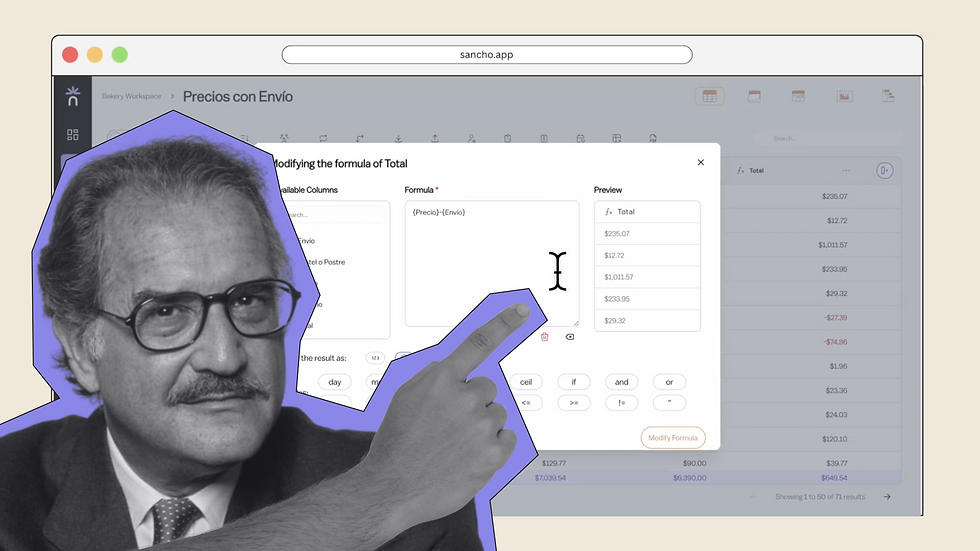
No one knows for sure, but editing any formula here is smooth and precise.
by
Team Sancho
How Would...
0:56 min
3 min