

Contáctanos
Contáctanos
Team Sancho
Descripción
por
Duplicating a row lets you copy complete information instantly—saving time when you need a similar entry without rebuilding it piece by piece. It’s ideal for recurring tasks, repeated products, or any item that follows a familiar pattern. One click, and you have a ready-to-use duplicate.
This matters because repetitive data entry can slow you down and leave room for mistakes. Duplicating ensures accuracy while cutting your workload significantly. It gives you consistency without effort.
For example, if you manage weekly tasks, duplicating last week’s row gives you a perfect starting point without recreating details. You simply adjust the parts that changed. Another scenario is repeating product entries with different variations—same description, new color or size. Duplication keeps the structure intact and speeds up creation.
Duplicating a row is a small action with a big payoff: reliable data, less typing, and faster workflows.

También te podría gustar...
Carlos Fuentes Edit a Formula?
How Would...
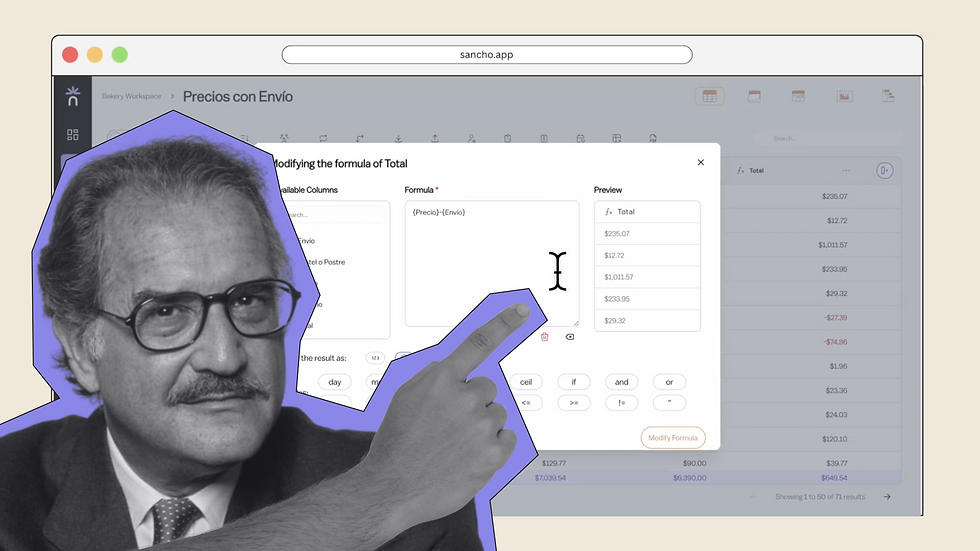
No one knows for sure, but editing any formula here is smooth and precise.
by
Team Sancho
How Would...
0:56 min
Elián Herrera Add Rows From Another Table?
How Would...

Maybe like this — create rows from other tables with a single action.
by
Team Sancho
How Would...
1:34 min
Che Guevara Add a Row?
How Would...

No one really knows, but adding new rows has never been easier.
by
Team Sancho
How Would...
1:16 min
3 min