

Contáctanos
Contáctanos
Team Sancho
Descripción
por
Exporting data lets you take your information wherever you need it—reports, presentations, audits, client handoffs, backups, or external tools. It transforms your table into a portable file you can share or store, keeping your work flexible and accessible beyond the platform.
This matters because teams often need to communicate results or records outside the system. Exporting keeps formatting clean and ensures the information remains clear, complete, and easy to use for any purpose.
For example, exporting a monthly report gives your team a snapshot of progress that can be shared in meetings or saved for future planning. Everything stays tidy and digestible.
Another scenario is exporting entries for an audit or compliance requirement. A clean file avoids confusion and speeds up review.
Exporting data ensures your work travels smoothly—organized, professional, and ready for any audience.

También te podría gustar...
Carlos Fuentes Edit a Formula?
How Would...
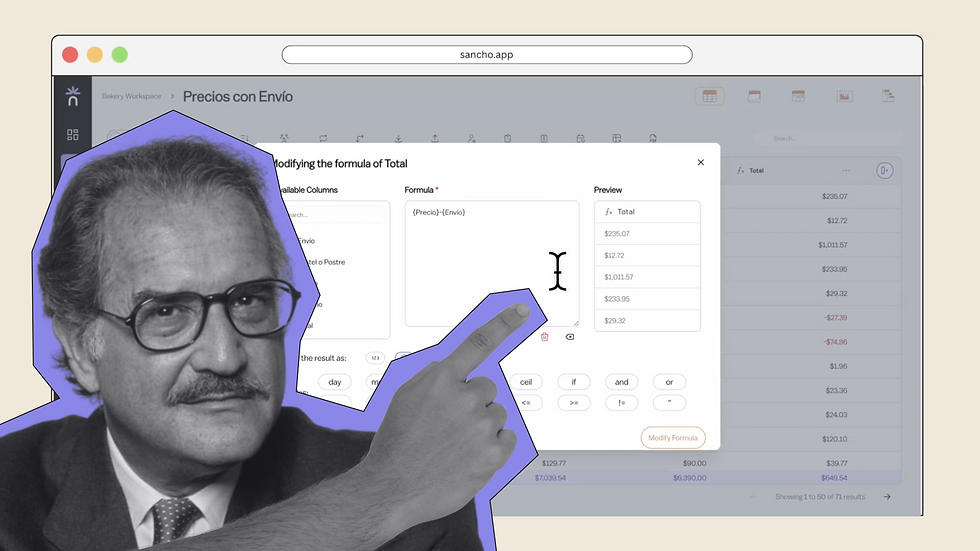
No one knows for sure, but editing any formula here is smooth and precise.
by
Team Sancho
How Would...
0:56 min
Bad Bunny Rename a Column?
How Would...

We can only imagine, but renaming anything is instant and intuitive.
by
Team Sancho
How Would...
0:35 min
Che Guevara Add a Row?
How Would...

No one really knows, but adding new rows has never been easier.
by
Team Sancho
How Would...
1:16 min
3 min