

Contáctanos
Contáctanos
Team Sancho
Descripción
por
Adding tags allows you to label your rows with simple identifiers that make sorting and organizing easier. Tags create a flexible way to group items, highlight priorities, or mark categories without restructuring the entire table. They bring clarity and quick visual cues to your data.
This matters because tags help you understand your information at a glance. Instead of reading through full descriptions or navigating multiple columns, a single tag can show the status, type, or urgency of each entry. It speeds up analysis and improves your workflow.
For example, you might tag tasks as “High Priority,” “Waiting,” or “Completed,” making progress easier to track. These tags help you see what needs attention first without scanning every detail.
Another scenario is tagging products by season—like “Spring,” “Summer,” or “Holiday.” This makes planning promotions or reviewing inventory much more intuitive. Tags bring structure without adding complexity.

También te podría gustar...
Pedro Infante Edit a Table Dashboard?
How Would...
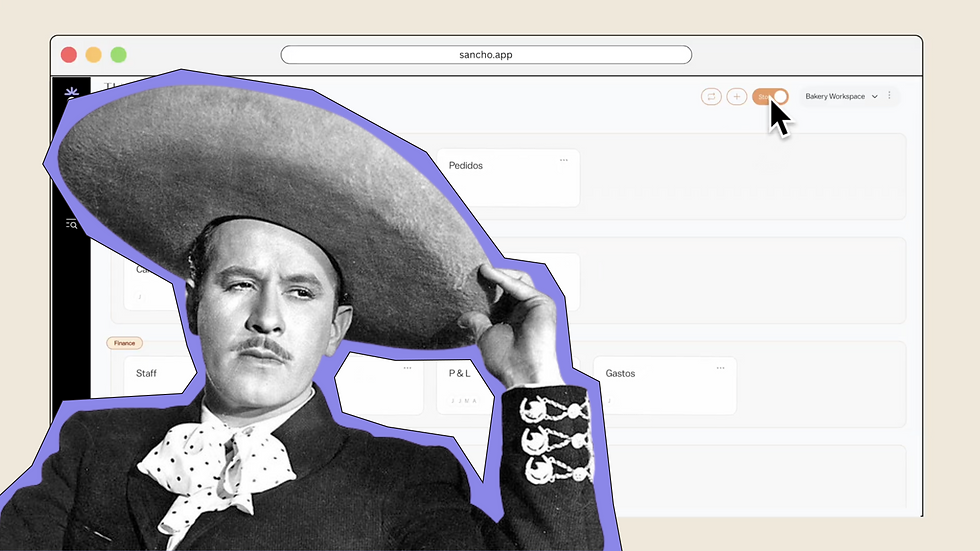
We’re not sure, but creating your own dashboard layout is effortless and intuitive.
by
Team Sancho
How Would...
0:52 min
Juan Gabriel Add Tags?
How Would...

We can only imagine, but tagging here is fast, simple, and beautiful.
by
Team Sancho
How Would...
0:52 min
3 min