

Contáctanos
Contáctanos
Team Sancho
Descripción
por
Importing data allows you to bring in information from other systems, files, or platforms so everything lands in one place. It eliminates manual transfer, preserves structure, and creates a unified source of truth for your team. The process is quick, simple, and built for real-world workflows.
This matters because scattered data leads to missed details, duplicated work, and outdated information. Importing consolidates everything, giving you a clean, central environment where updates are easy and collaboration actually works.
For example, pulling in customer contacts from another tool ensures you’re working with complete, accurate records. Once inside your table, they become easier to tag, organize, and search.
Another scenario is importing product lists when switching software. Instead of rebuilding your catalog, you migrate it in seconds and keep moving.
Importing data strengthens your foundation—less chaos, fewer errors, and everything right where you need it.

También te podría gustar...
Cantinflas Delete a Column?
How Would...

If we had to guess, you’d still finish before he did. Deleting columns is quick and clear.
by
Team Sancho
How Would...
0:40 min
Carlos Fuentes Edit a Formula?
How Would...
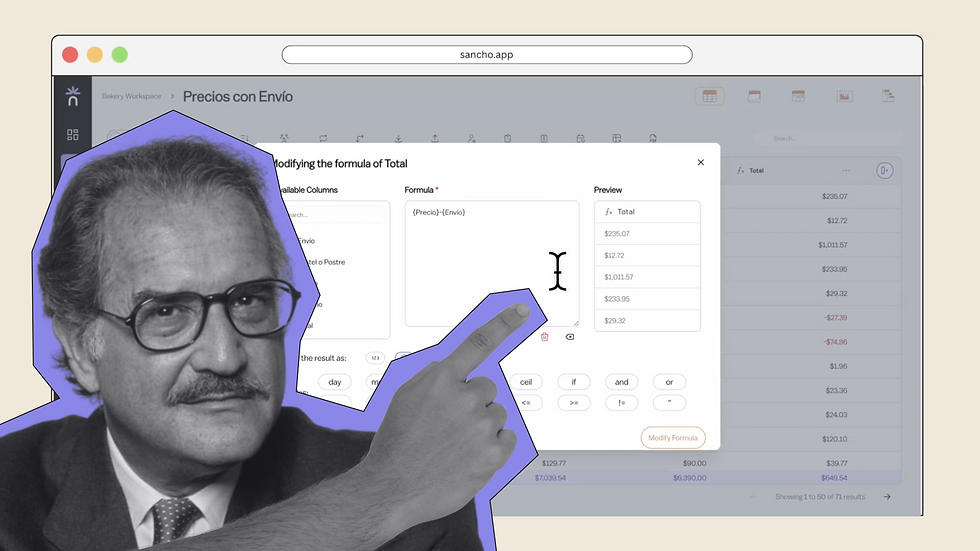
No one knows for sure, but editing any formula here is smooth and precise.
by
Team Sancho
How Would...
0:56 min
Luis Miguel Edit a Row?
How Would...

No one knows, but editing a row in Sancho takes just a few seconds.
by
Team Sancho
How Would...
1:06 min
3 min