

Contact Us
Contact Us
Team Sancho
Description
by
Editing multiple rows at once lets you apply the same change across many records—update statuses, add tags, or set new dates—so repetitive tasks stop stealing your time. Batch editing keeps data consistent, reduces errors from manual updates, and scales your work without extra effort.
This matters because teams often handle many similar items at once, and doing those updates row by row is slow and error-prone. A batch edit ensures uniform changes, preserves structure, and frees you to focus on decisions instead of busywork.
For instance, after a product launch you can mark dozens of tasks as “Complete” in a single action so reporting and next steps are seamless. Or when a campaign ends, apply “Archived” to all related rows and keep the active view uncluttered.
Another example is updating pricing or status fields across multiple orders after a policy change. Batch edits make sweeping adjustments safe and easy, reducing the chance someone misses a critical update.
When you can edit many rows at once, your system becomes more manageable, consistent, and resilient—exactly the kind of efficiency that keeps teams moving forward.

You might also like...
Thalía Export Her Data?
How Would...
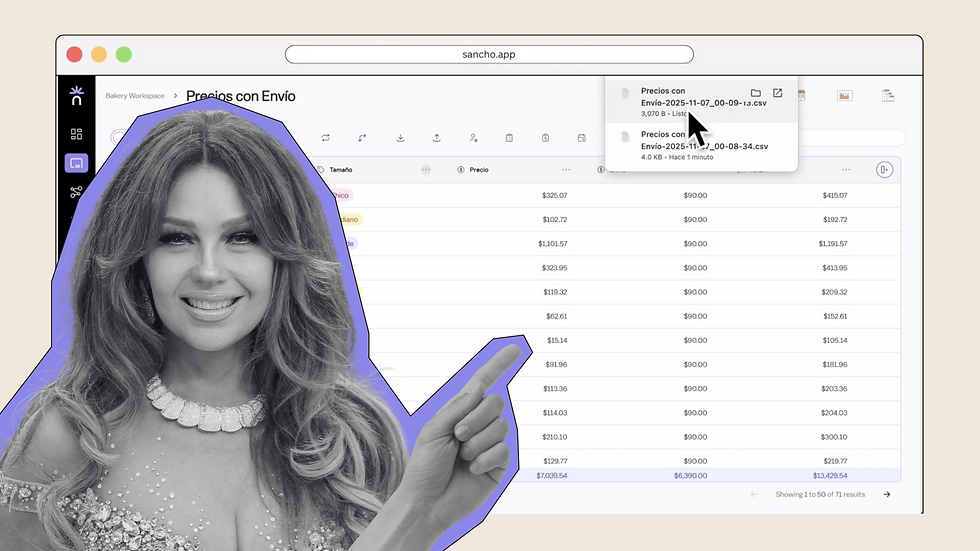
We’re not sure — but exporting here is fast and straightforward.
by
Team Sancho
How Would...
1:48 min
Rocío Dúrcal Save to a PDF?
How Would...

No one knows, but converting your table to PDF is effortless.
by
Team Sancho
How Would...
1:30 min
Gloria Trevi Add a Table Tag?
How Would...

Maybe this is how — fast, confident, and your way.
by
Team Sancho
How Would...
1:05 min
3 min