

Contact Us
Contact Us
Team Sancho
Descripción
por
Deleting a column removes an entire field that’s no longer needed—temporary tags, experimental metrics, or redundant info—so your table stays lean and focused. It trims visual clutter and simplifies the structure for everyone who uses the table daily.
This matters because extra columns create noise and increase the chance of incorrect entries. Removing what’s irrelevant improves scanning speed and helps your team concentrate on what truly matters. A cleaner schema makes maintenance and reporting easier, too.
For example, after a campaign ends you might delete a “Promo Code Used” column that’s no longer relevant to ongoing operations. The table becomes simpler and less error-prone for day-to-day users.
Another case is removing deprecated fields that were used in past workflows but now confuse new teammates. Deleting them prevents accidental use and reduces support questions. Before you delete, it’s wise to export or archive the column’s data if you might need it later—then enjoy a cleaner, faster, more focused workspace.

También te podría gustar...
Vicente Fernández Use Card View?
Cómo podría...

Corre el rumor de que con gracia — cambia a tarjetas para un diseño más visual.
por
Team Sancho
How Would...
0:31 min
Thalía Export Her Data?
Cómo podría...
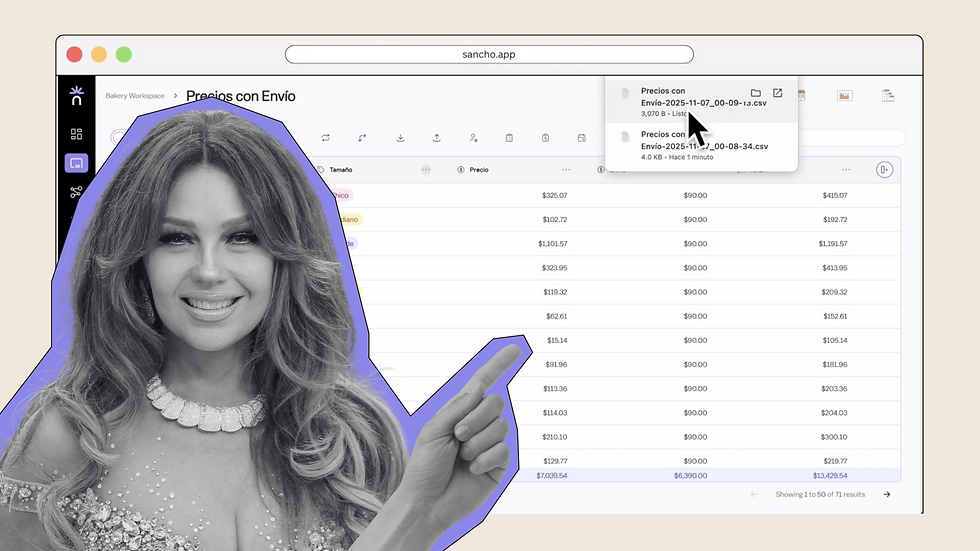
No estamos seguros — pero exportar aquí es rápido y directo.
por
Team Sancho
How Would...
1:48 min
Cantinflas Delete a Column?
Cómo podría...

Si tuviéramos que adivinar, igual terminarías antes que él. Borrar columnas es rápido y claro.
por
Team Sancho
How Would...
0:40 min
3 min