

Contact Us
Contact Us
Team Sancho
Description
by
Syncing a view ensures that your display settings, filters, sorting, and layout stay consistent across all devices and collaborators. It keeps everyone aligned and prevents confusion caused by different versions of the same information. When your view is synced, the experience is uniform and intentional.
This matters because shared workspaces can get messy when people see different configurations. Sync keeps the structure clear, predictable, and easy to follow. It removes guesswork and creates a smooth workflow where everyone operates with the same perspective.
For example, if your team relies on a filtered list of active tasks, syncing ensures everyone sees the same updated priorities without adjusting anything manually.
Another scenario is syncing a dashboard used during meetings. It guarantees that views match exactly across laptops, tablets, and screens so discussions stay focused.
Syncing a view brings clarity and consistency, helping teams stay aligned with ease.

You might also like...
Carlos Fuentes Edit a Formula?
How Would...
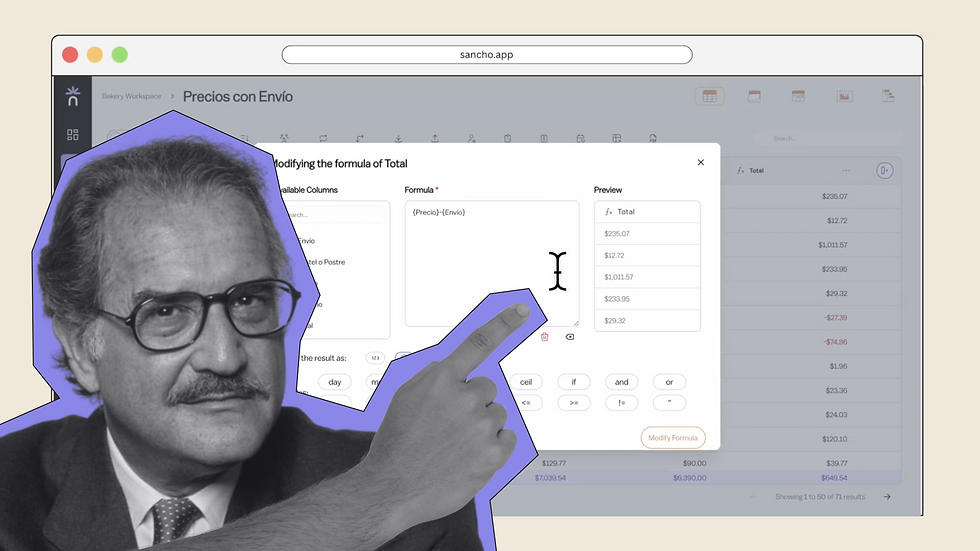
No one knows for sure, but editing any formula here is smooth and precise.
by
Team Sancho
How Would...
0:56 min
Che Guevara Add a Row?
How Would...

No one really knows, but adding new rows has never been easier.
by
Team Sancho
How Would...
1:16 min
Cantinflas Delete a Column?
How Would...

If we had to guess, you’d still finish before he did. Deleting columns is quick and clear.
by
Team Sancho
How Would...
0:40 min
3 min