

Contact Us
Contact Us
Team Sancho
Description
by
Editing a formula allows you to fine-tune the logic behind your calculations, ensuring your numbers stay accurate as your workflow evolves. Whether you're adjusting a percentage, updating a reference, or redesigning the calculation entirely, editing keeps your table aligned with real-time needs. It adds flexibility to a system that grows with you.
This matters because data changes, and so do the rules behind it. A formula that worked last month may need a new structure today. Updating it prevents miscalculations, keeps reports reliable, and saves you from manual fixes. When formulas stay current, your insights stay trustworthy.
For example, if your pricing model changes, editing the formula lets you instantly reflect the new structure across your entire table. No copy-pasting, no errors—just accurate numbers everywhere.
Another case is adjusting a time-tracking formula when projects expand. A small tweak can reveal clearer timelines and help your team plan better.
Editing a formula keeps your system responsive and intelligent, giving you numbers you can rely on with confidence.

You might also like...
Bad Bunny Rename a Column?
How Would...

We can only imagine, but renaming anything is instant and intuitive.
by
Team Sancho
How Would...
0:35 min
Che Guevara Add a Row?
How Would...

No one really knows, but adding new rows has never been easier.
by
Team Sancho
How Would...
1:16 min
Thalía Export Her Data?
How Would...
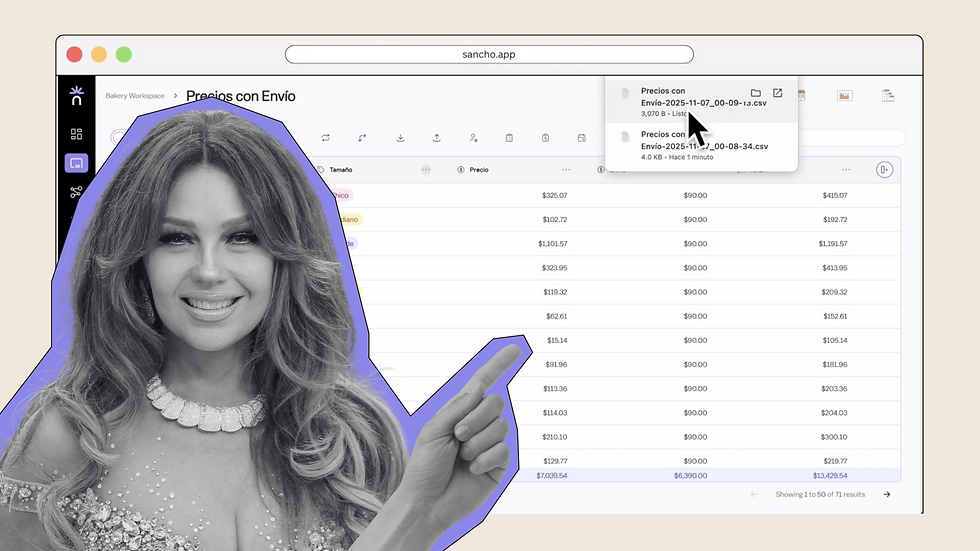
We’re not sure — but exporting here is fast and straightforward.
by
Team Sancho
How Would...
1:48 min
3 min