

Contact Us
Contact Us
Team Sancho
Description
by
Using card view transforms your table into a more visual layout that highlights key information at a glance. Details appear in compact cards instead of rows, giving you a cleaner, more intuitive way to browse your data. It’s especially useful when you're working with entries that feel more like profiles than spreadsheets.
This matters because not every dataset is best understood in grid form. Card view lets you focus on individual items—clients, tasks, inventory, contacts—without overwhelming columns. It’s structure with personality.
For example, viewing client information in cards makes it easier to scan notes, statuses, and progress all at once. The layout feels natural and human-friendly. Another scenario is reviewing product listings, where images, tags, and categories are easier to digest when displayed visually rather than line by line.
Card view helps you see the story behind your data, making your workspace more approachable and intuitive.

You might also like...
Che Guevara Add a Row?
How Would...

No one really knows, but adding new rows has never been easier.
by
Team Sancho
How Would...
1:16 min
Facundo Cabral Sync His View?
How Would...

Maybe like this — your settings stay aligned everywhere automatically.
by
Team Sancho
How Would...
1:02 min
Carlos Fuentes Edit a Formula?
How Would...
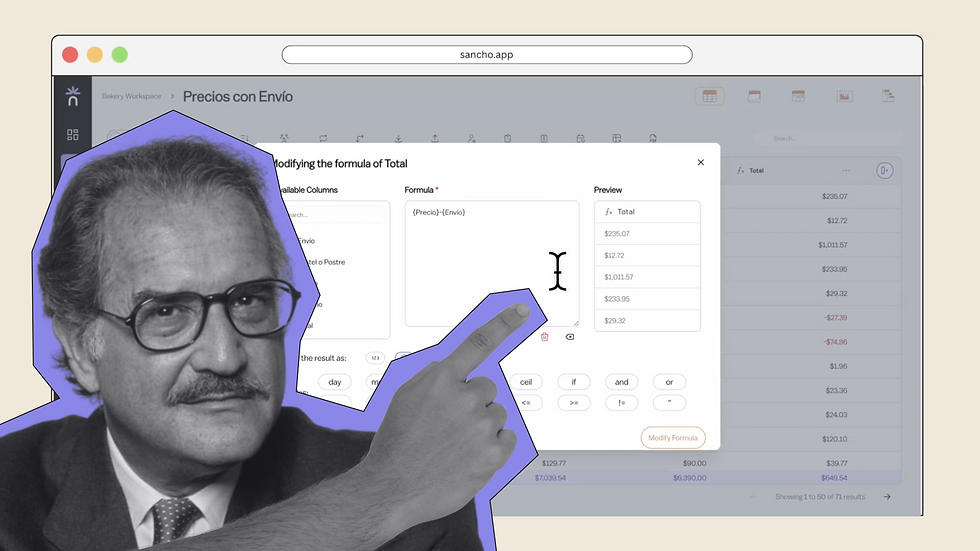
No one knows for sure, but editing any formula here is smooth and precise.
by
Team Sancho
How Would...
0:56 min
3 min